WooCommerce stores that want crypto at checkout
You already sell on WordPress + WooCommerce and need a payment method buyers recognise as crypto, without a custom gateway from scratch.
AlchemyPayCrypto Payment for WooCommerce
A commercial Waytrel Studio plugin for WordPress stores: install in WordPress, enable under WooCommerce → Payments, redirect buyers to AlchemyPay, and sync the order with a webhook.
Leave a request — we will connect the plugin, licence and settings for your store.
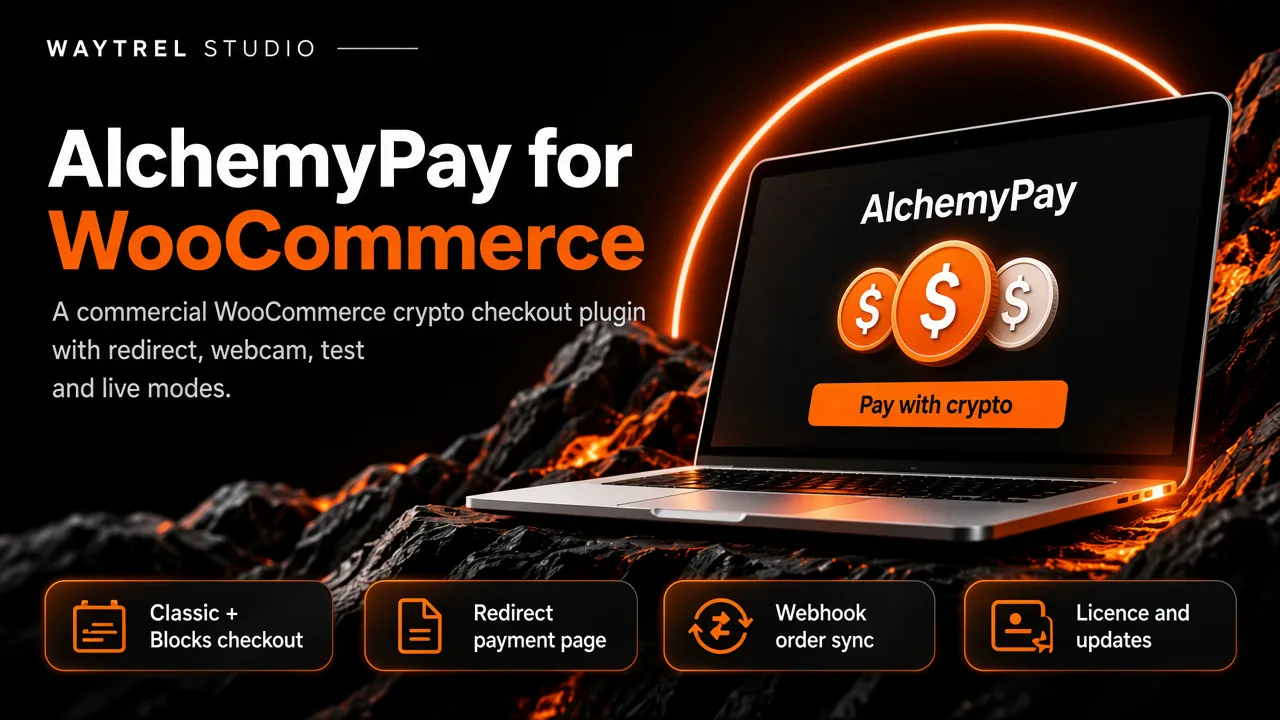
AlchemyPay Crypto Payment for WooCommerce is a licensed payment plugin that adds AlchemyPay as a WooCommerce method. The buyer places the order on your store, pays on AlchemyPay’s hosted page, and the webhook updates the WooCommerce order status.
You already sell on WordPress + WooCommerce and need a payment method buyers recognise as crypto, without a custom gateway from scratch.
The method must appear where customers actually pay — classic shortcode checkout and WooCommerce Blocks checkout.
You prefer a commercial plugin with a licence key, auto-updates and Waytrel Studio support instead of an abandoned ZIP.
Adds AlchemyPay as a WooCommerce payment method so buyers can pay in supported crypto assets.
After placing the order, the customer is sent to AlchemyPay’s hosted payment page to complete the payment.
Payment status updates return to WooCommerce so paid, pending and failed orders do not stay stuck on Pending payment.
Switch between test and live credentials in WooCommerce → Payments before you accept real funds.
One plugin surface for both checkout types used by modern WooCommerce stores.
Built to work with High-Performance Order Storage when the store has HPOS enabled.
Four steps from the inquiry form to a working method under WooCommerce → Payments.
Send the store URL, WordPress and WooCommerce versions, and whether you already have AlchemyPay credentials.
The plugin is installed on your WordPress site and prepared for activation.
We activate the commercial licence and confirm that updates arrive through the supported channel.
Enable AlchemyPay, enter test or live keys, map statuses, then switch to production after a successful test payment.
This is a commercial Waytrel Studio plugin, not a free directory download.
A licence key unlocks the plugin for your store. Terms are confirmed in the written reply before work starts.
Updates are delivered so the gateway stays aligned with WooCommerce and WordPress releases you run.
Questions about install, checkout type, webhooks and go-live go to the same studio that ships the plugin.
Both are commercial Waytrel Studio plugins. Pick the payment flow your store needs.
Open the CoinsFlow WooCommerce page
Leave a request on this page with the store URL and WooCommerce version. Waytrel Studio installs the commercial plugin, activates the licence and configures WooCommerce → Payments, including test mode before go-live.
Yes. It works with classic shortcode checkout and WooCommerce Blocks. We check which checkout your store uses during setup.
After placing the order in WooCommerce, the customer is redirected to the AlchemyPay payment page to complete the crypto payment. The webhook then updates the order status in WooCommerce.
Yes. Use test credentials first. Switch to production only after a successful test payment and a clean status update.
No. This is a commercial Waytrel Studio plugin with a licence, auto-updates and studio support. Connection starts from the inquiry form on waytrel.studio — do not send passwords or secret keys in the form.
Longer guide: How to set up AlchemyPay crypto payment for WooCommerce
Leave a request with the site URL and WooCommerce version. We connect the plugin, licence and payment settings for your store.
Leave a request — we will connect the plugin, licence and settings for your store.
Connect to WooCommerceTell us what you're imagining.
Let's find out what it could become.