Catalogues that accept more than one coin
You want BTC, LTC, ETH, BNB, USDT and USDC available through one WooCommerce method, not six separate gateways.
CoinsFlowCrypto payments for WooCommerce
A commercial Waytrel Studio plugin: the store creates an invoice, the buyer pays on the CoinsFlow hosted page in BTC, LTC, ETH, BNB, USDT or USDC, and a signed webhook updates the WooCommerce order.
Leave a request — we will connect the plugin, licence and settings for your store.
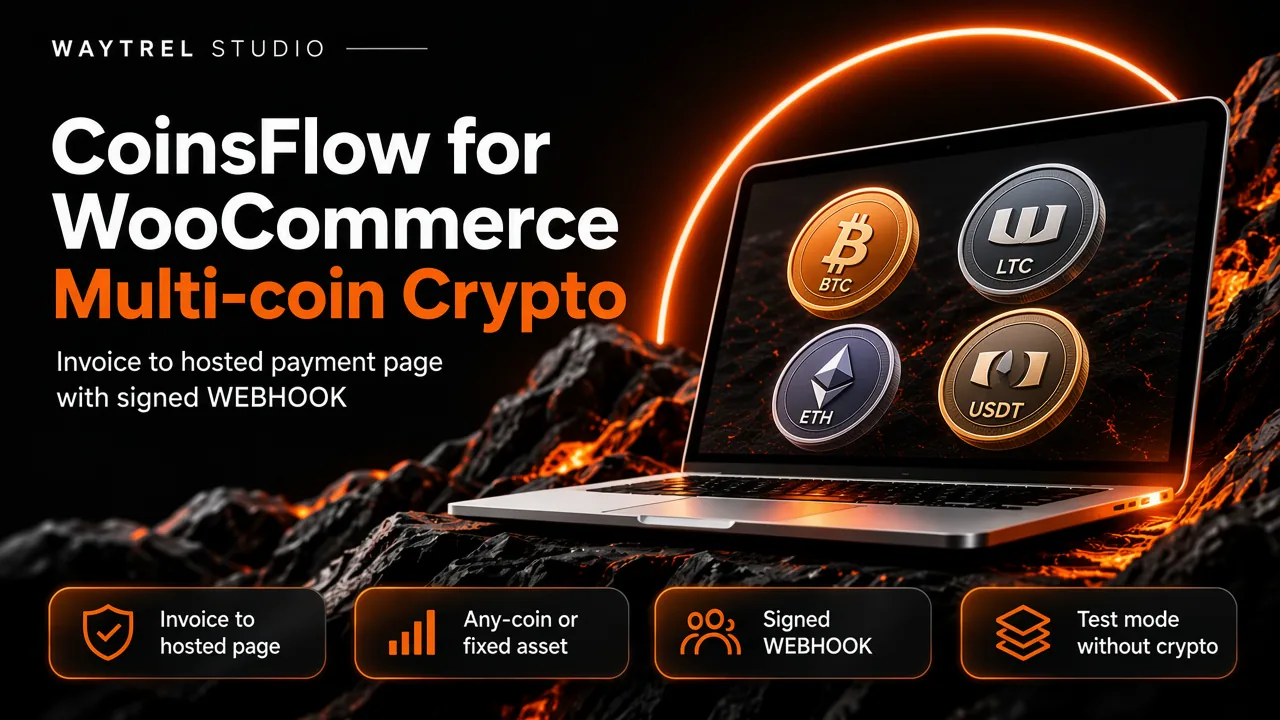
CoinsFlow for WooCommerce is a licensed multi-coin payment plugin. Checkout creates a CoinsFlow invoice, the buyer pays on the hosted page in BTC, LTC, ETH, BNB, USDT or USDC, and a signed webhook updates the WooCommerce order status.
You want BTC, LTC, ETH, BNB, USDT and USDC available through one WooCommerce method, not six separate gateways.
Checkout creates a CoinsFlow invoice, then sends the buyer to a hosted payment page — clear for support and for order history.
Order updates must arrive with a verified webhook signature so statuses are not changed by forged requests.
WooCommerce creates a CoinsFlow invoice; the customer completes payment on the CoinsFlow page, then returns to the store.
Supported assets for crypto checkout, configured for the store’s CoinsFlow account.
Let the buyer choose, or lock the payment to a specific chain and asset when the catalogue needs it.
Payment events update WooCommerce orders only when the webhook signature validates.
Run end-to-end checks in test mode before enabling live settlement.
Install in WordPress, configure under WooCommerce → Payments, compatible with Blocks checkout and HPOS.
From the inquiry form to a live method in WooCommerce → Payments.
Send the store URL, WooCommerce version and whether CoinsFlow credentials already exist.
We install CoinsFlow for WooCommerce on the site and activate it safely.
Commercial licence is applied so updates and support stay with Waytrel Studio.
Enable the method, set any-coin or fixed asset rules, wire the signed webhook, then leave test mode after a clean dry run.
CoinsFlow for WooCommerce ships as a licensed product, not an anonymous free ZIP.
A licence unlocks the gateway for your domain. Scope and terms are confirmed before installation.
Updates follow WordPress and WooCommerce changes that affect checkout and order storage.
Install questions, webhook signatures, Blocks vs classic checkout and go-live checks stay with the studio.
Choose invoice-based multi-coin checkout or AlchemyPay redirect crypto checkout.
Open the AlchemyPay WooCommerce page
Submit the inquiry form on this page with the store URL and desired assets. Waytrel Studio installs the licensed plugin, activates the licence and configures WooCommerce → Payments with a signed webhook.
The plugin is set up for BTC, LTC, ETH, BNB, USDT and USDC according to the store’s CoinsFlow account and the any-coin or fixed-asset rules you choose.
Checkout creates a CoinsFlow invoice first. The buyer pays on the hosted page; WooCommerce then receives a signed webhook so the order status matches the payment.
Yes. You can allow any supported coin or fix the chain and asset when the product line requires it.
Yes. Test mode lets you verify invoice creation, the hosted page and webhook handling before live payments. Do not paste passwords or API secrets into the form.
Longer guide: How to set up CoinsFlow crypto payments for WooCommerce
Tell us the store URL and which assets you want at checkout. We install the licensed plugin and finish WooCommerce → Payments with a signed webhook.
Leave a request — we will connect the plugin, licence and settings for your store.
Connect to WooCommerceTell us what you're imagining.
Let's find out what it could become.