Waytrel Journal · Payments & engineering
How to set up AlchemyPay crypto payment for WooCommerce
What AlchemyPay Crypto Payment for WooCommerce is, how to install the plugin, configure redirect and webhooks, and request connection through Waytrel Studio.
Request AlchemyPay connection ↗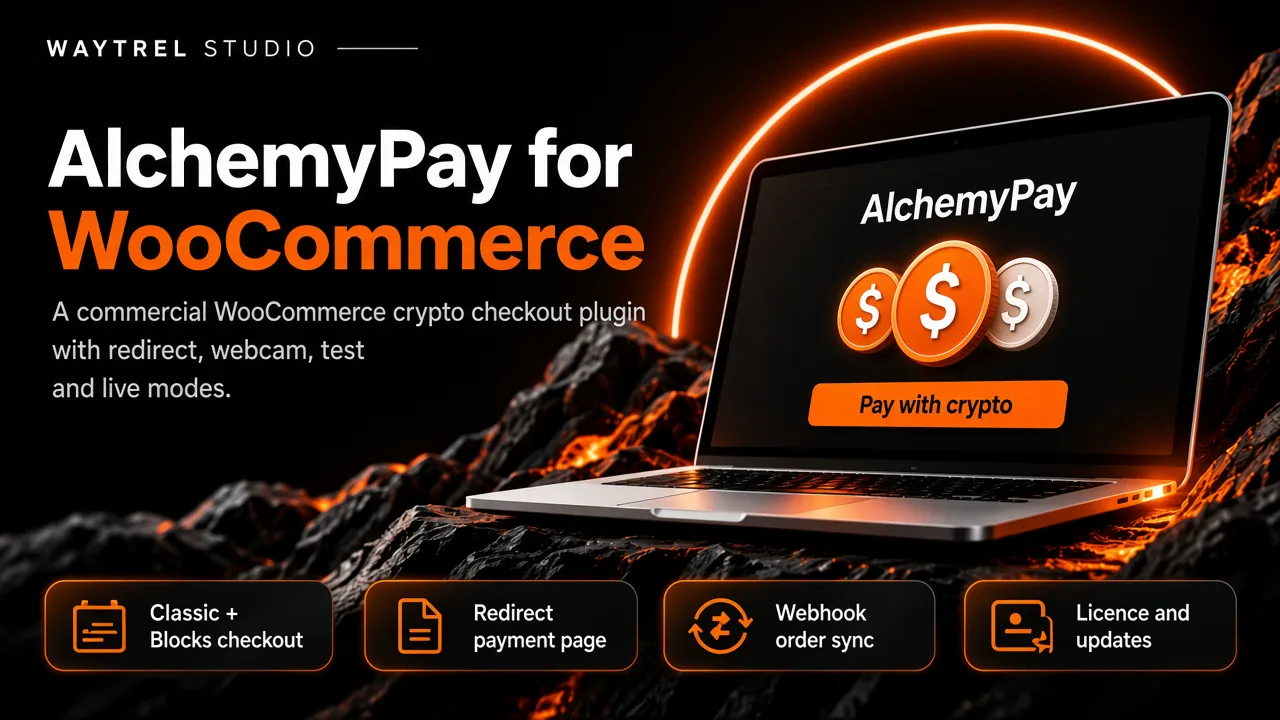
On this page
AlchemyPay Crypto Payment for WooCommerce is a licensed Waytrel Studio plugin. It adds AlchemyPay as a WooCommerce payment method: the buyer places the order on your storefront, pays on AlchemyPay’s hosted page, and a webhook updates the order status.
This guide covers the plugin definition, payment flow, connection steps, and how it differs from CoinsFlow. Prices and download URLs are not published here — connection starts with a request on waytrel.studio.
What is the AlchemyPay plugin for WooCommerce?
It is a commercial payment plugin for WordPress stores running WooCommerce. After activation, AlchemyPay appears under WooCommerce → Payments. Your store keeps the catalogue and order creation; AlchemyPay handles the crypto payment interface.
What the plugin covers
- Classic WooCommerce checkout and WooCommerce Blocks
- Redirect to the AlchemyPay payment page after checkout
- WooCommerce order status updates via webhook
- Separate test and production credentials
- High-Performance Order Storage (HPOS) support
How redirect and webhook work
The buyer finishes checkout on your site, then moves to the AlchemyPay payment page. After success or failure, the webhook updates the WooCommerce order so the team is not guessing between Pending payment and Processing.
Use test mode for a full dry run before live keys. Switch to production only after a successful test payment and a clean status update.
How to install AlchemyPay on WooCommerce
- Leave a request on the AlchemyPay landing or any Waytrel Studio inquiry form.
- Send the store URL, WordPress and WooCommerce versions, and whether AlchemyPay credentials already exist.
- We install the plugin, activate the licence and configure WooCommerce → Payments.
- You confirm a test payment before enabling production credentials.
Do not send passwords or secret API keys in the inquiry form. Share credentials only through the channel agreed after the first reply.
AlchemyPay vs CoinsFlow: which to choose
AlchemyPay uses a redirect to the provider payment page. CoinsFlow uses a multi-coin invoice → hosted page for BTC, LTC, ETH, BNB, USDT and USDC with a signed webhook. Both are commercial Waytrel Studio plugins; pick by payment flow, not by hunting a free ZIP.
Licence, updates and support
This is a licensed Waytrel Studio product. Connection includes the plugin, commercial licence and setup for your store. Auto-updates keep the gateway aligned with WordPress and WooCommerce. Install, checkout-type and go-live support stay with the same studio that ships the plugin.
Related services
- AlchemyPay for WooCommerce — product page
- CoinsFlow for WooCommerce
- Web development
- Website maintenance
Prepared by Waytrel Studio on 15 November 2026. Provider account approval and available crypto methods remain with AlchemyPay; the studio owns the WooCommerce plugin, licence and on-site setup.